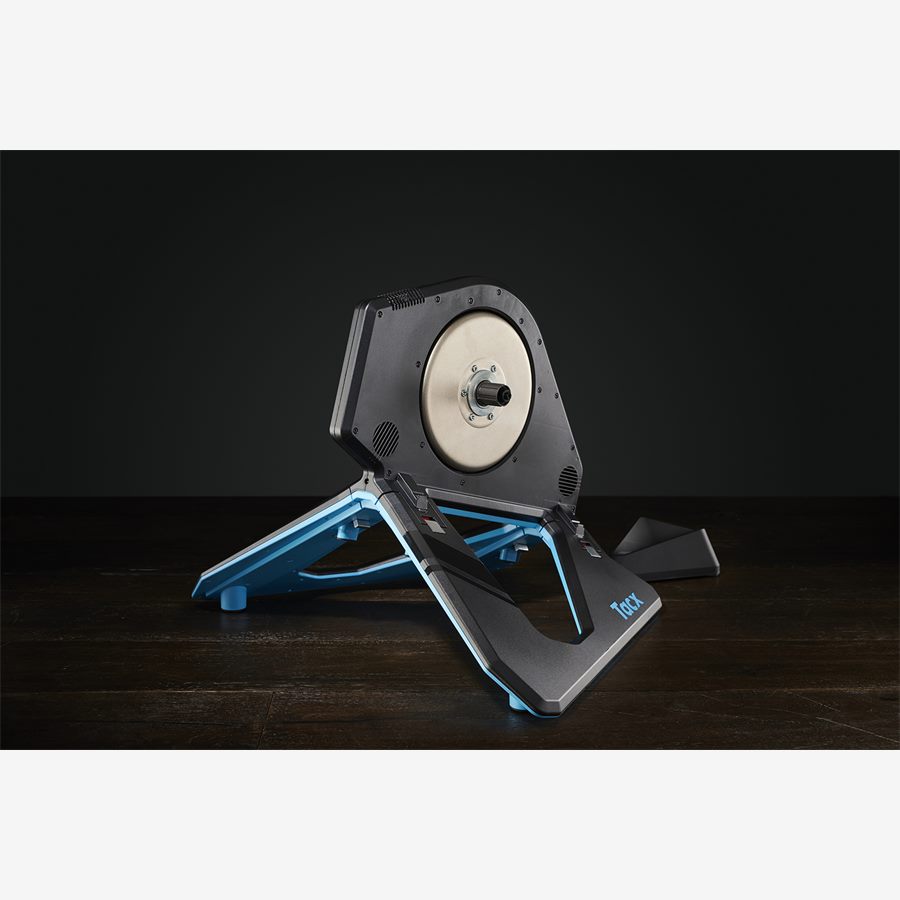
ERG mode is the feature that makes structured indoor training feel automatic: the trainer holds a target power while you focus on cadence and survival. It is also the feature that makes new riders panic when resistance clamps harder mid-interval.
Used well, ERG is a precision tool. Used blindly, it turns every workout into a fight with the flywheel.
What ERG mode actually does
In ERG (ergometer) mode, the training app commands a target wattage. The trainer changes resistance so that if you hold a reasonable cadence, you hit that power. Shift easier and resistance rises; shift harder and it falls. The point is power, not gear choice.
Free mode (or slope/sim mode) behaves more like the road: you choose gears and effort. Virtual worlds often mix both depending on the ride type.
You need a controllable smart trainer or smart bike (FE-C / Bluetooth FTMS class). Power-meter-only setups cannot do true ERG.
When to use ERG (and when not to)
| Situation | Mode | Why |
|---|---|---|
| Sweet spot / tempo blocks | ERG | Holds steady power without guessing |
| VO2 / short hard intervals | ERG or free | ERG is precise; free feels more natural for some |
| Group rides and races | Free / sim | You need to surge and respond |
| Standing sprints practice | Free | ERG can feel sticky out of the saddle |
| Recovery spins | Either | ERG can enforce easy power so you do not overcook |
Setup checklist
- 1
Pair the controllable channel
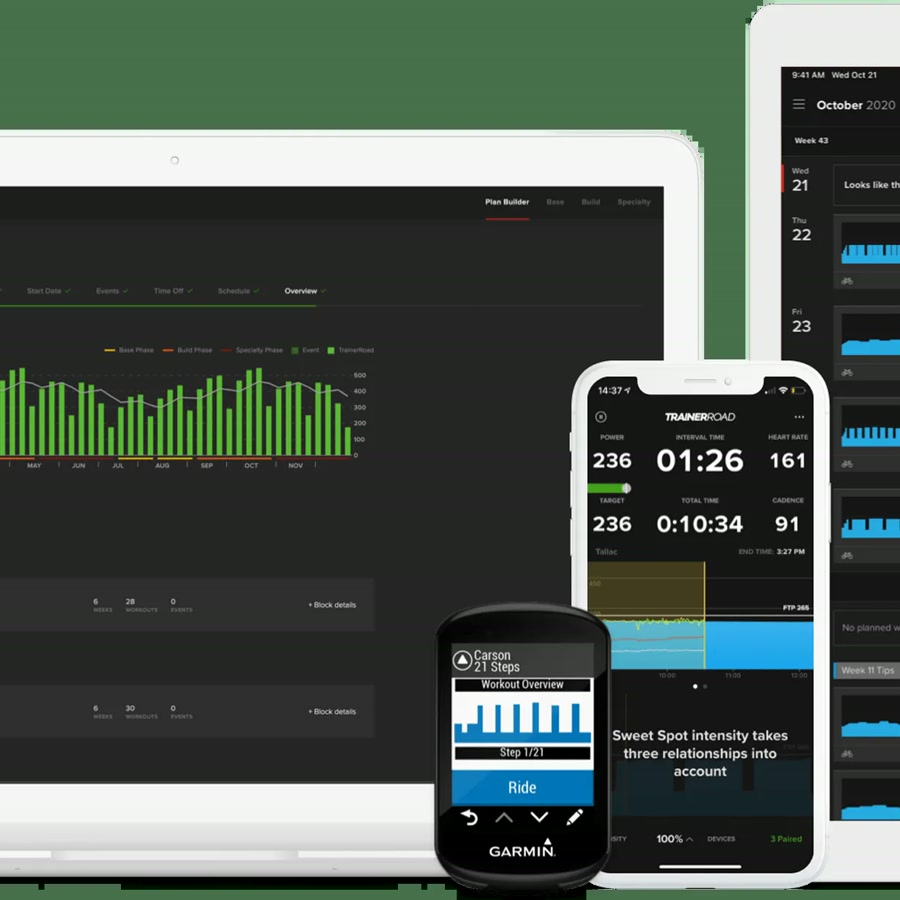
In Zwift, TrainerRoad, or your app, connect both power and the controllable/FE-C device. Power-only pairing will not run ERG.
- 2
Calibrate if your trainer asks
Spindown or zero-offset after big temperature changes or moving the unit. Accuracy in ERG depends on a sane baseline.
- 3
Pick a middle gear to start
Start intervals in a mid cassette gear. Extreme gears can make ERG feel either mushy or harsh depending on the trainer.
- 4
Warm up before hard targets
Jumping straight into threshold ERG cold is miserable and less accurate as the unit settles.
Cadence is the skill
When ERG ramps power, keep pedaling. If you soft-pedal, resistance can spike when you re-engage. Smooth cadence transitions beat stomping.
If an interval feels impossible, drop cadence slightly before you stand and thrash. Many 'ERG fights' are cadence management problems.
- Aim for steady RPM before the interval starts.
- Anticipate steps: speed up cadence a half-second before a big power jump if your trainer lags.
- If you repeatedly fail the same block, the target may simply be too hard for today. That is training data, not a broken trainer.
New to ERG? Do two weeks of tempo and sweet spot before you judge the mode on VO2 torture sessions.
ERG across apps
TrainerRoad is built around ERG-first structured work. Zwift uses ERG inside many workouts but free mode in open world rides and races. MyWhoosh and Rouvy both support controlled workouts when paired correctly.
Do not run two apps trying to control the trainer at once. One controller app at a time.
Common ERG problems
| Symptom | Likely fix |
|---|---|
| Resistance never changes | Controllable channel not paired |
| Power oscillates wildly | Recalibrate; close second apps; update firmware |
| Intervals feel impossibly hard | Lower cadence panic, wrong FTP, or target too aggressive |
| Lag on steps | Normal on some units; lead with cadence; check Wi-Fi/Bluetooth stability |
Key takeaways
- ERG holds power; you manage cadence.
- Use free mode for races, group rides, and skill work.
- Pair controllable + power, calibrate, and warm up.
- One app controls the trainer at a time.
FAQ
Yes for steady aerobic work once the trainer is paired correctly. Start with moderate targets and short sessions so you learn cadence management before hard VO2 sets.